Common Mistakes When Buying USB-C Adapters

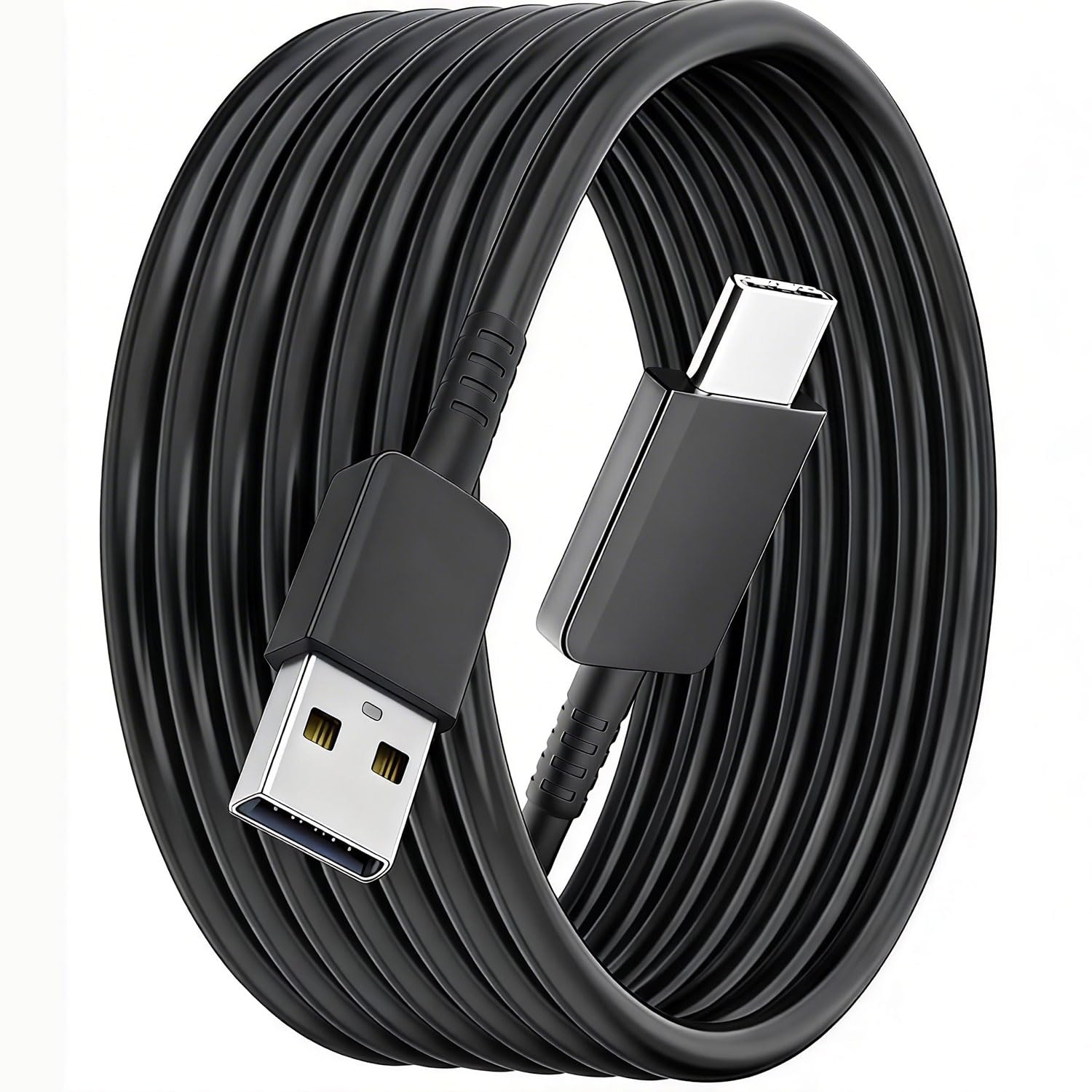
When it comes to purchasing USB-C adapters, many people make common mistakes that can lead to frustration and inconvenience. Understanding the nuances of these products is essential for ensuring compatibility and functionality with your devices. In this blog post, we’ll highlight some of the pitfalls to avoid when selecting your next USB-C adapter, helping you make a more informed choice.
Ignoring Compatibility
One of the most crucial mistakes people make is not checking the compatibility of their USB-C adapters with their devices. USB-C is a universal standard, but not every adapter works with every device. For example, a USB-C to USB-A adapter may not support the data transfer speeds or charging capabilities required by some devices. Always verify that the adapter you choose meets the specifications of your gadgets.
To avoid compatibility issues, it’s best to consult the user manual of your device or check the manufacturer’s website. This way, you can ensure that the adapter will function properly with your specific model, preventing any potential frustration down the line.
Overlooking Power Requirements
Another common mistake is not paying attention to the power requirements of your devices. Different devices have varying power needs, and not all USB-C adapters can deliver the necessary wattage. If you try to use an underpowered adapter with a device that requires more energy, you may experience slow charging or even damage your equipment.
To avoid this, check the wattage rating on the device and ensure that the adapter you choose can meet or exceed that requirement. Many high-performance laptops and larger devices require higher wattage than standard mobile devices, so be mindful of this when shopping for USB-C adapters.
Neglecting Cable Quality
The quality of your USB-C cables and adapters can significantly impact performance. Many consumers opt for cheaper options, assuming that all cables are created equal. However, lower-quality cables may lead to slower data transfer speeds, overheating, or even device damage. Always consider the materials and construction of the cable when making your selection.
Look for cables with features like braided exteriors or pure copper cores, which enhance durability and performance. Investing in high-quality cables ensures that your devices operate at their best, saving you time and potential repair costs in the long run.
Choosing the Wrong Length
Another mistake often made is selecting the wrong cable length for your needs. Some users may not realize that a longer cable can lead to slower charging speeds and data transfer rates due to increased resistance. Conversely, a cable that is too short may limit your ability to comfortably use your device while it’s charging.
Determine the distance you typically need to cover when using your device. If you frequently charge your phone while using it at your desk, a shorter cable may suffice. However, for travel or when charging from a distance, consider a longer cable to provide the flexibility you need without sacrificing functionality.
Forgetting About Additional Features
Many USB-C adapters come with additional features that can enhance usability, but these can often be overlooked. For instance, some adapters offer fast charging, while others include multiple ports for connecting additional devices. Not considering these added features can lead to missed opportunities for improved performance.
When choosing an adapter, think about how you plan to use it. If you travel frequently, you might benefit from a multi-port adapter that allows you to connect several devices simultaneously. If you require fast charging, look for adapters explicitly designed for that purpose to avoid wasting time waiting for your devices to power up.
Assuming All USB-C Devices Are the Same
Assuming that all USB-C devices and accessories are interchangeable is a common misconception. While the USB-C connection is uniform, the protocols for data transfer and charging can vary significantly. For instance, a device may support USB Power Delivery (PD) while another may only support standard charging, resulting in a lack of compatibility.
To ensure compatibility, check the specifications of both your device and the adapter. Look for indications of supported protocols and features, such as USB PD or Thunderbolt, to ensure seamless operation. This attention to detail helps you avoid the hassle of purchasing incompatible equipment.
Key Features to Consider
- Data transfer speed (USB 2.0 vs. USB 3.0)
- Power delivery capability
- Built-in safety features like surge protection
Not Reading Product Descriptions
Many consumers hastily make purchases without thoroughly reading product descriptions. This oversight can lead to buying an adapter that doesn’t meet your needs. Product descriptions typically include essential details regarding compatibility, power ratings, and special features. Skipping this step can result in wasted time and money.
Before finalizing your purchase, take the time to read the entire product description. Pay attention to the included specifications and ensure that the item aligns with your requirements. This due diligence can help prevent compatibility issues and ensure you’re getting a quality product.
Overlooking Warranty and Return Policies
Finally, one of the most common mistakes is not considering warranty and return policies before making a purchase. A good warranty can provide peace of mind, while a flexible return policy allows you to exchange or return the product if it doesn’t meet your expectations. Skipping this step can lead to regret if the adapter you choose doesn’t perform as expected.
Before buying, review the warranty and return information that accompanies the product. This ensures that you have options if you encounter any performance issues. Knowing your rights as a consumer can save you from unnecessary headaches in the long run.
Where to start
If you’re ready to shop for USB-C adapters, start by assessing your needs and the specifications of your devices. Make a list of the key features you require, such as power delivery capabilities and additional ports, to streamline your search. This clarity will help you make an informed decision without getting overwhelmed by options.
Once you know what to look for, visit HZ Computer in New York, New York, where you can find a wide range of USB-C cables and adapters. Our knowledgeable staff can assist you in finding the right products that suit your specific needs, ensuring you leave with a solution that works seamlessly with your devices.
From our shelves
- USB A to USB C Charger Cable for Samsung Galaxy
- Gray USB-C Cable 3m Single Pack – USB-A to USB-C, Pure Copper Core 12W Charge, Braided Dirt-Resist
- USB to USB C Adapter 5 Pack,USB C Female to A Male Charger Converter Compatible with Apple Watch Ultra iWatch
Browse the USB-C Cables and Adapters range, or see everything in stock. Questions about what suits your setup? Talk to us or read the FAQ.